Livespace
Try for free

Custom reports

Build sales reports your way

Turn CRM data into clear, actionable insights without leaving Livespace. Build dashboards, track performance, and make decisions based on real-time data.

Build sales reports your way

Your CRM data, shown the way you need it

Build reports your way

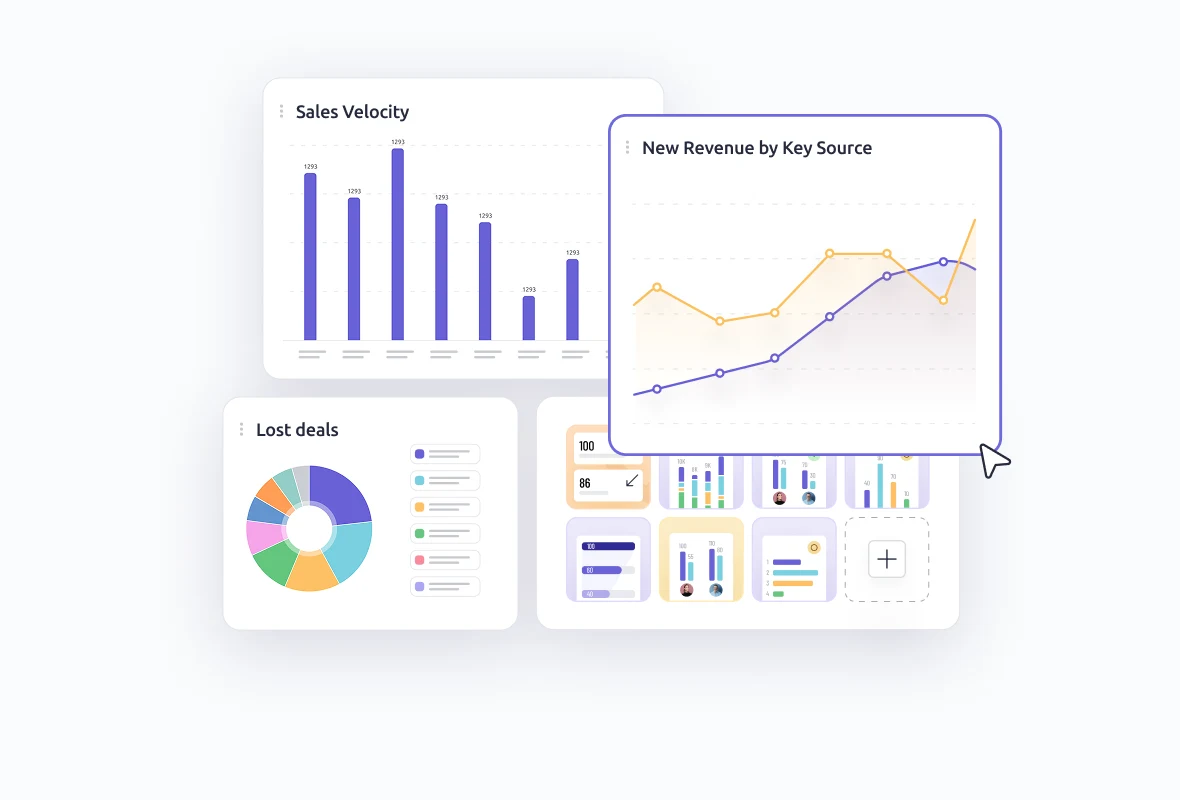
Create dashboards and reports with an intuitive builder.

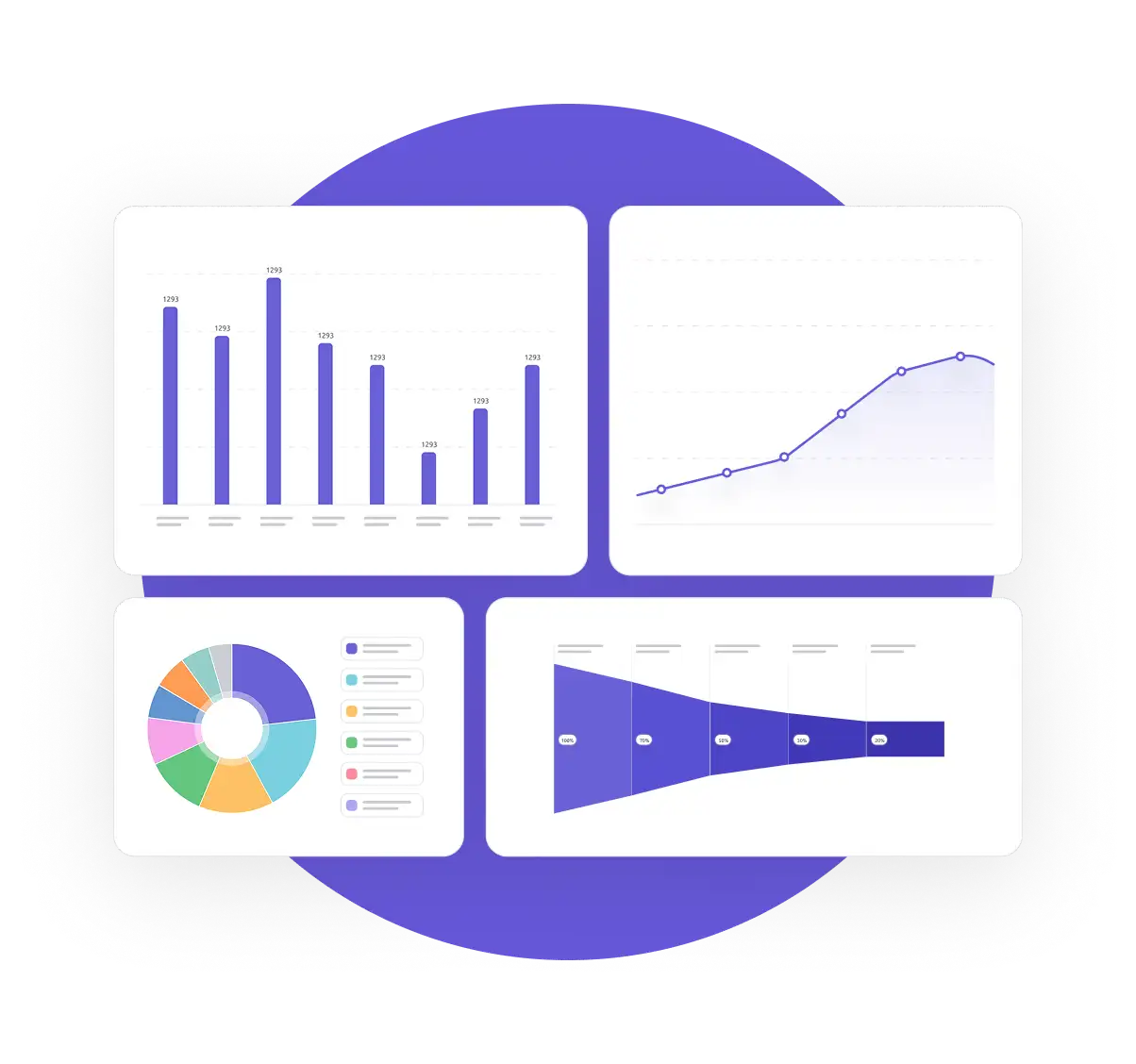
Use drag-and-drop widgets and ready-made templates to build dashboards that match how your team works. Add and customize the reports you care about — from deal volume to team activity — using charts, tables, and filters.

Build reports your way

Get insights without leaving Livespace

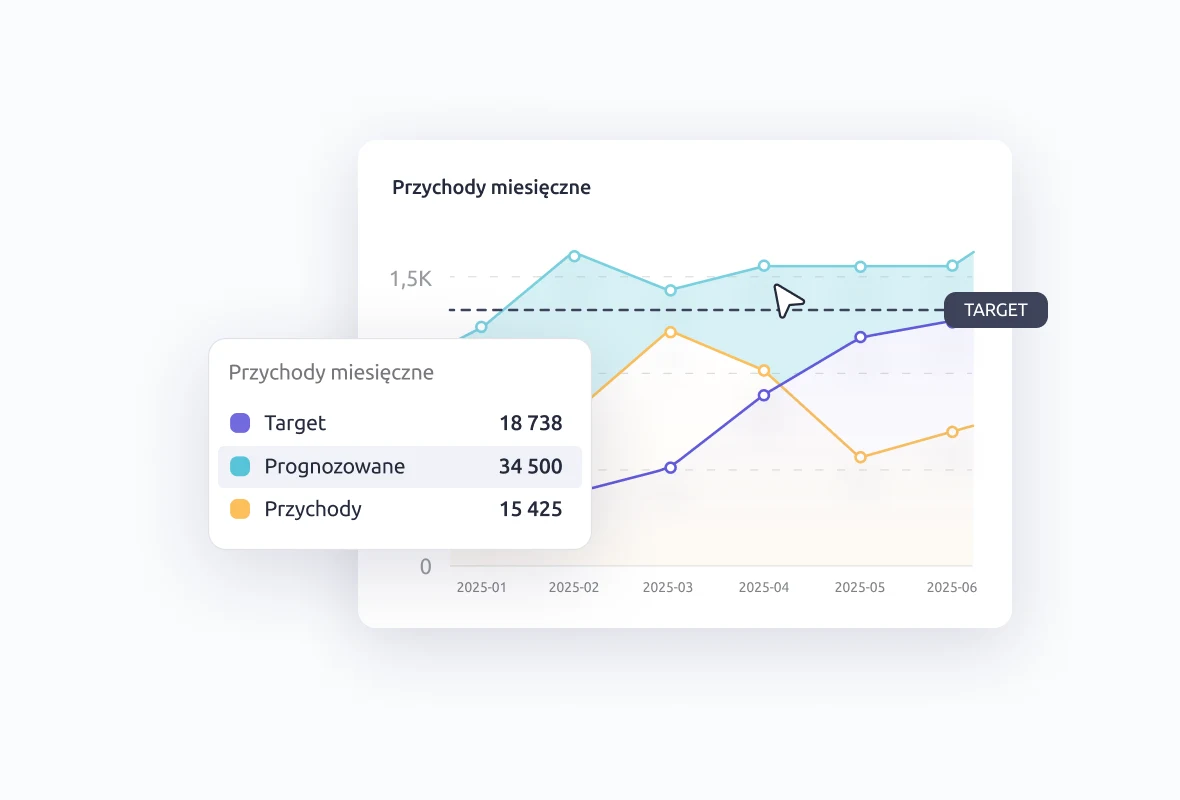
Track your business performance with live CRM data.

Your reports update automatically as your team works. No exports, no third-party tools — just clear, up-to-date numbers on revenue, sales progress, and team performance, always ready when you need them.

Get insights without leaving Livespace

Compare results and dig into the details

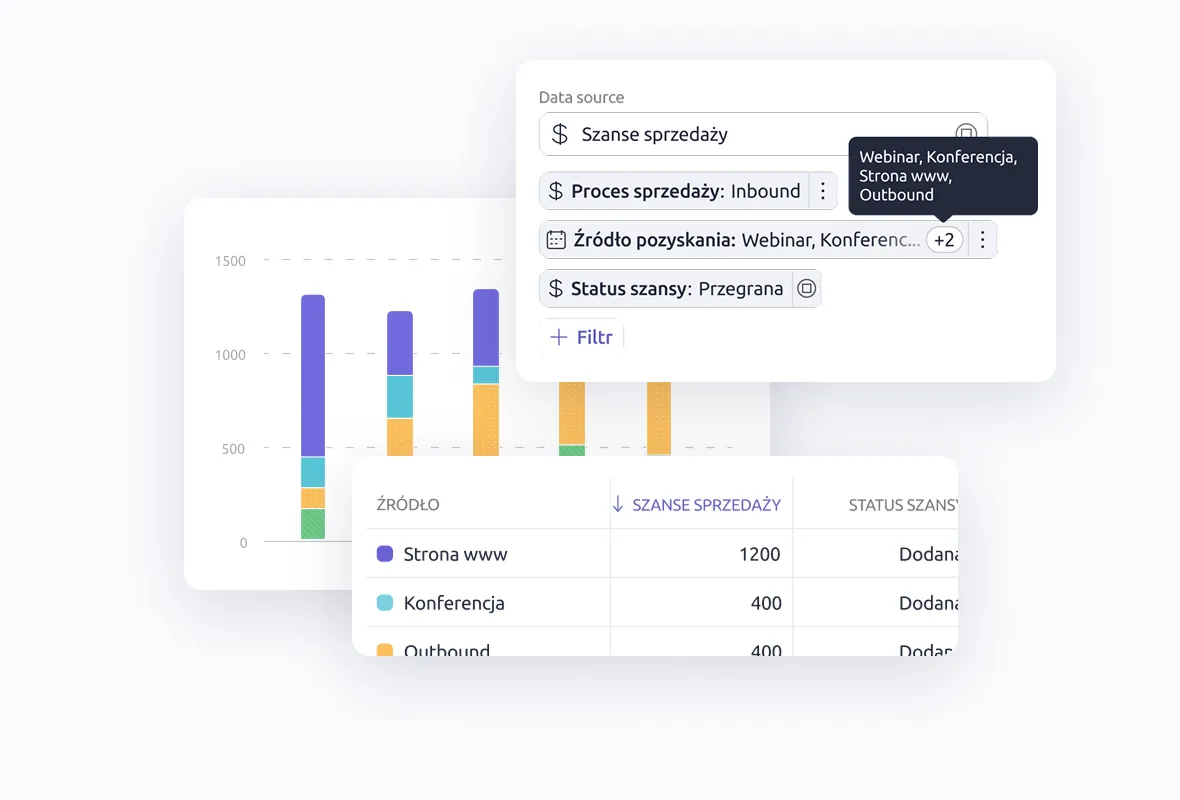
Use filters and drill-downs to find what matters.

Break down reports by team, product, or time period. Click into any number to see what's behind it, compare performance across segments, and spot trends that help you act faster.

Compare results and dig into the details

Examples of reports you can build with Custom Reports

Check a few examples of reports you can create yourself or from ready-made widgets.

Lead qualification funnel

See how leads move through each stage and where most drop off. Improve your qualification flow.

Deals closed per rep

Track how many deals each rep has closed over time. Spot top performers or those who need support.

Win rate over time & source

Measure how your overall conversion rate is changing month by month and which channels bring the best results.

Average deal size by month

Track how your average deal value changes over time. Spot trends in pricing or deal quality.

Lost deals by reason

See why deals are being lost most often. Use this to improve objection handling and sales conversations.

Activity volume by rep

Measure how many calls, emails, or meetings each rep logs. Useful for understanding effort vs results.

Helpful resources for building better reports

Explore ready-made templates, step-by-step guides, and practical tips to get more from your CRM data.

Start building reports that actually work for you

Custom Reports help you track what matters — no third-party tools, no spreadsheets, no waiting.

Frequently Asked Questions

Can I try Custom Reports before purchasing Livespace?

Yes — Custom Reports are available during the 14-day free trial. You'll get full access, including dashboards, filters, and chart widgets.

Are there any limits on how many dashboards or reports I can create?

Yes — limits depend on your Livespace plan. Automation: 1 dashboard, up to 10 charts. Growth: up to 5 dashboards, 20 charts, and access to time comparisons. Professional+: up to 10 dashboards, 20 charts, plus advanced analytics and permission controls. Visit our pricing page to learn more about available plans and limits.

How are Custom Reports different from standard reports in Livespace?

Standard reports offer predefined views and fixed metrics — useful, but limited. Custom Reports let you choose the data, build your own layouts, and apply filters like time range, sales process, or user. You can also compare trends, export results, and control visibility per user role.

What types of reports can I build with Custom Reports?

Custom Reports cover the full sales picture: funnels, rep performance, lead source efficiency, win/loss reasons, deal values, and activity breakdowns. You can use ready-to-go widgets or build fully customized views from scratch — using live CRM data.